Use GPT Image 2 inside Imgen Studio to generate, edit, and enhance images in one workspace. Also access Nano Banana Pro and FLUX 2 Pro for a broader creative workflow.
Imgen Studio is an independent third-party platform and is not affiliated with or endorsed by OpenAI.
Please select a model to get started
Examples created with GPT Image 2 in Imgen Studio, plus additional supported model workflows
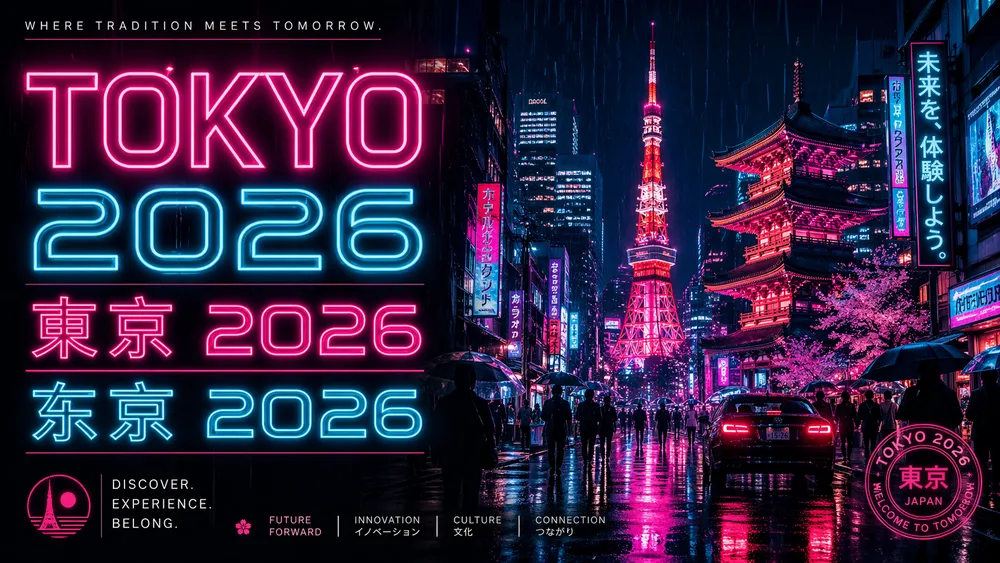
"A retro neon travel poster for Tokyo 2026 with multilingual typography"
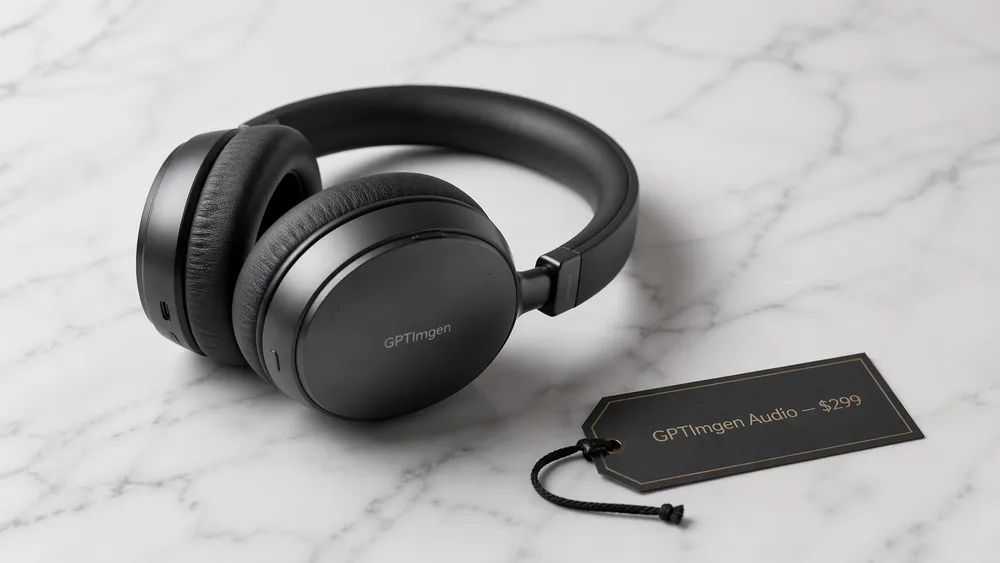
"Clean editorial infographic with crisp text rendering"
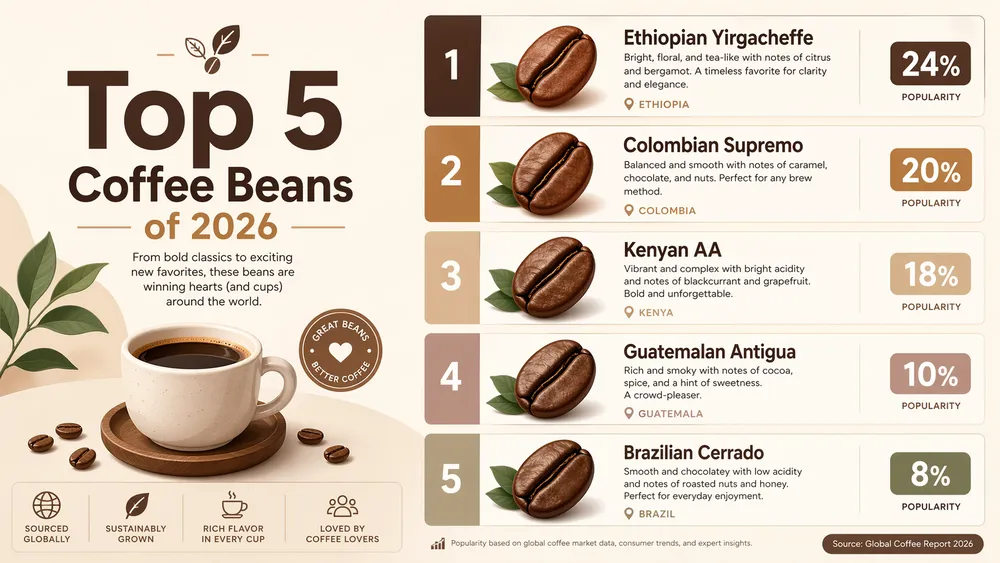
"Product shot of wireless headphones with a legible price tag"

"Studio Ghibli style illustration, sunset, hand-painted watercolor"
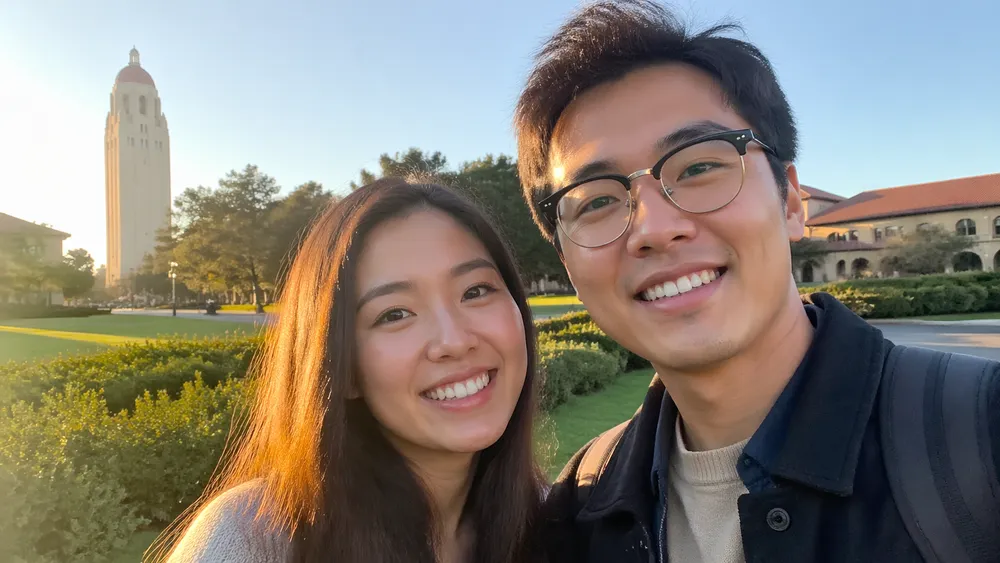
"Ultra-photorealistic candid selfie, indistinguishable from a real photo"
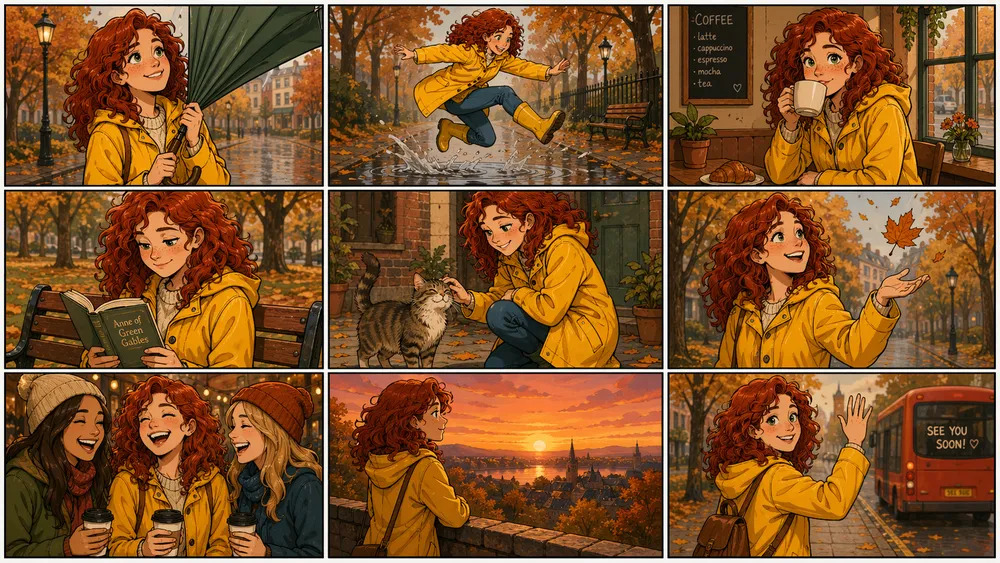
"3x3 storyboard grid keeping the same character consistent across 9 actions"

"Minimal premium product photography by Nano Banana Pro"
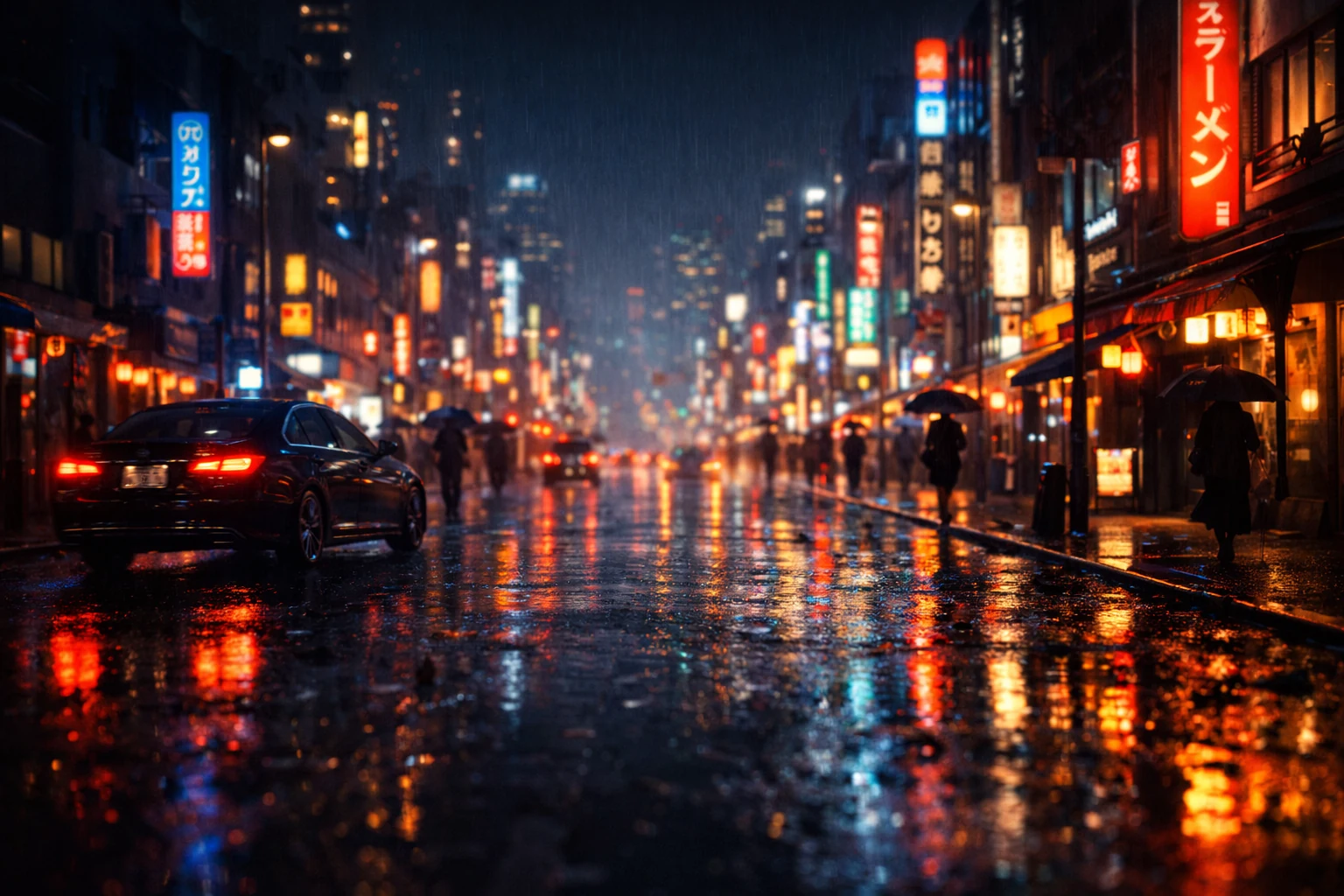
"Rain-soaked neon street scene rendered with FLUX 2 Pro realism"
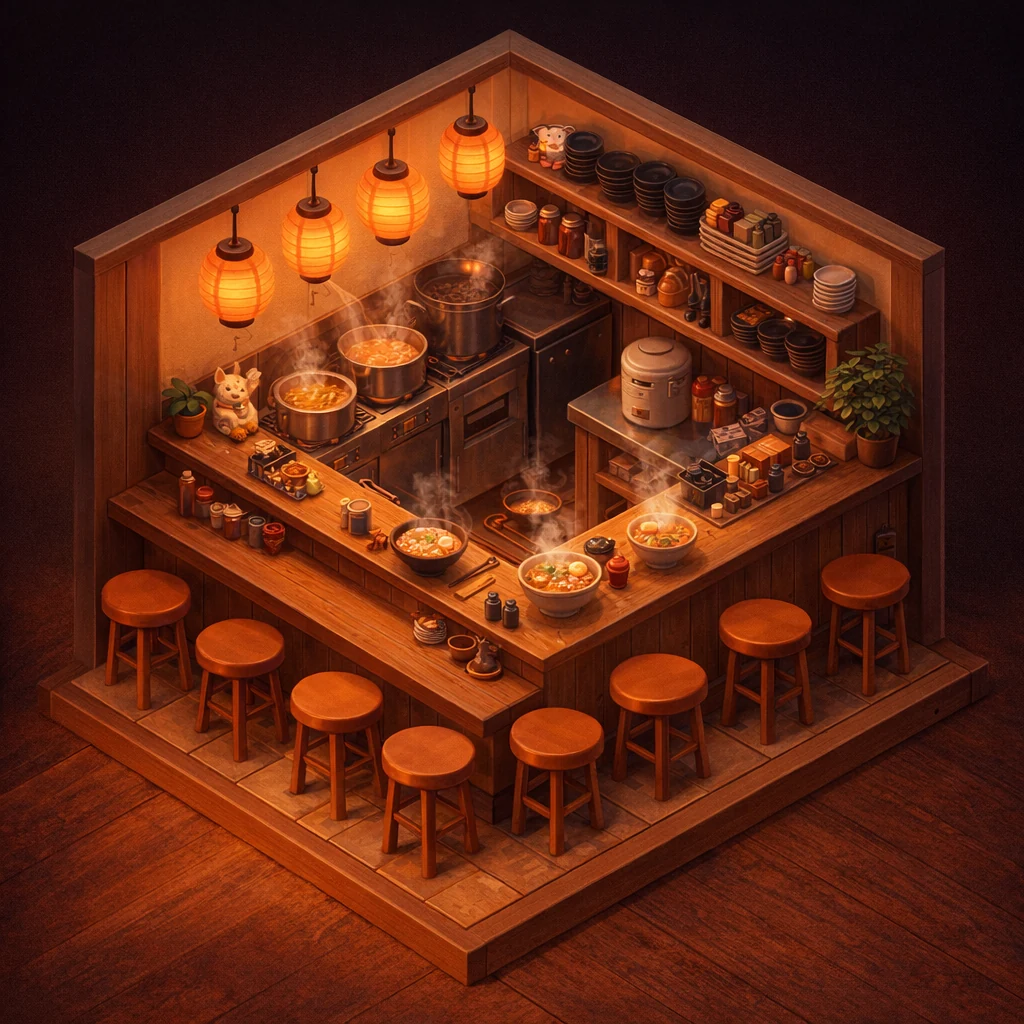
"Isometric miniature ramen shop styled for Nano Banana Pro showcase"
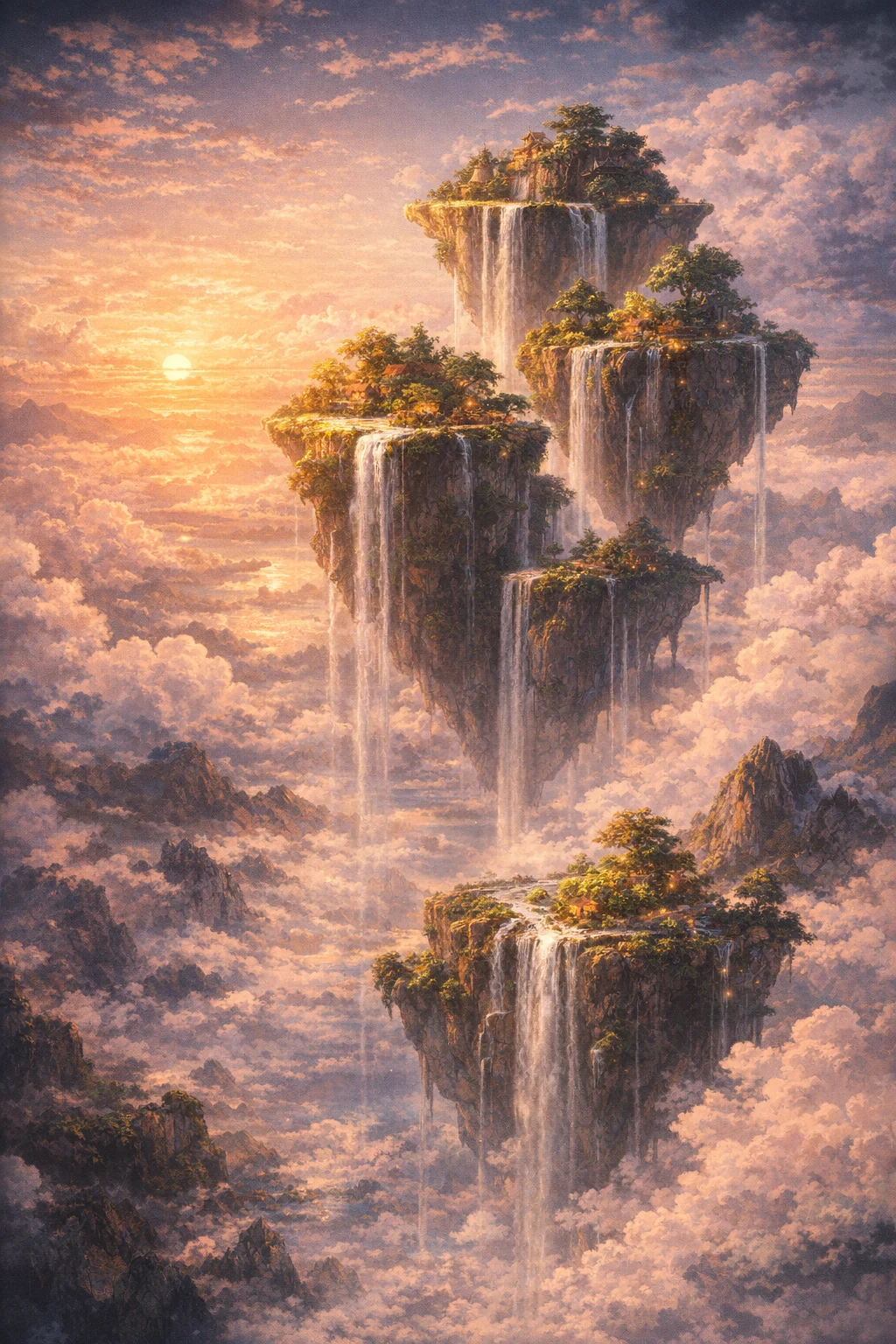
"Floating islands fantasy concept art for the FLUX 2 Pro showcase"
Three practical strengths of GPT Image 2 for text-heavy visuals, realism, and repeatable creative workflows.
GPT Image 2 is especially useful for prompts involving signage, posters, UI mockups, and text-heavy compositions. In Imgen Studio, you can generate and iterate on those ideas in one workspace instead of bouncing between separate tools.
When you need realistic product visuals, lifestyle scenes, or polished marketing assets, GPT Image 2 gives you a fast starting point. Imgen Studio lets you compare and refine results with other supported models in the same workflow.
Move from GPT Image 2 generation to image editing, cleanup, and enhancement without switching products. That makes Imgen Studio useful for storyboards, ad variations, product updates, and repeatable creative production.
High-intent image workflows teams actually search for, from ecommerce edits to avatars, posters, and background swaps.
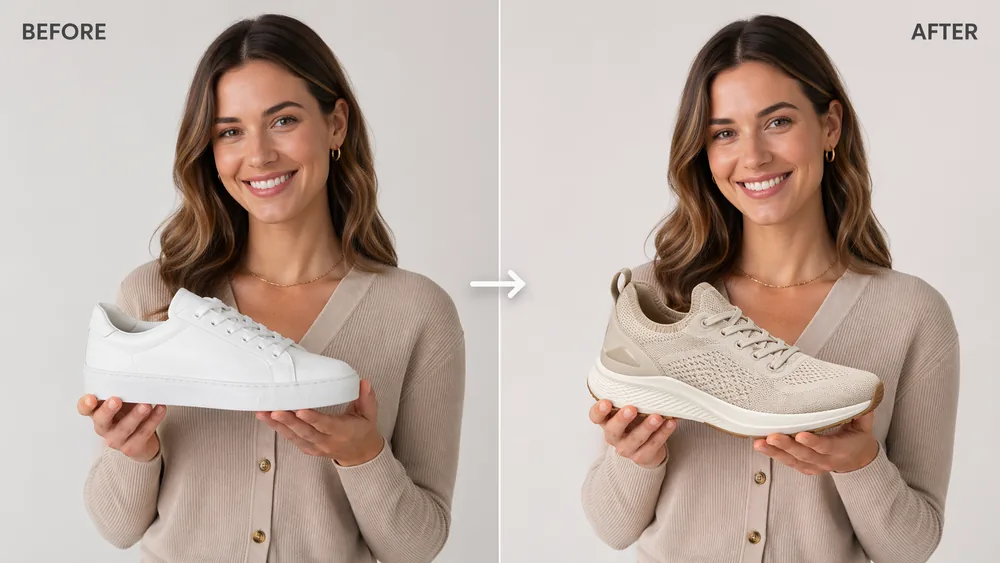
Turn rough product shots into cleaner selling assets with side-by-side edits, product swaps, studio-style updates, and faster visual iteration for stores, ads, and marketplaces.
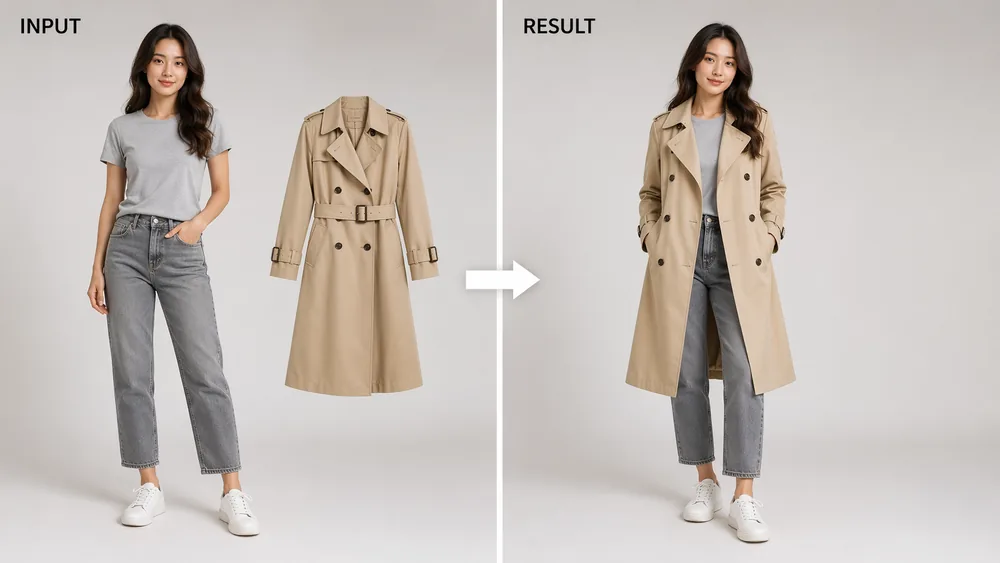
Show how an outfit, accessory, or product could look on a person before a shoot. This is useful for fashion mockups, creative previews, and ecommerce merchandising experiments.
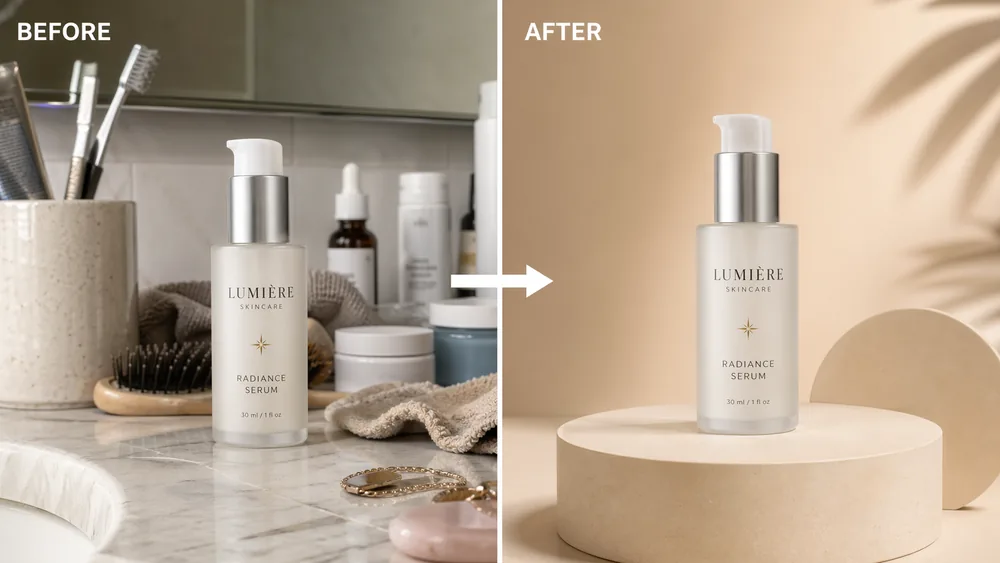
Remove messy backgrounds, isolate the subject, and place it onto a white backdrop, branded gradient, or lifestyle scene without leaving the same workflow.
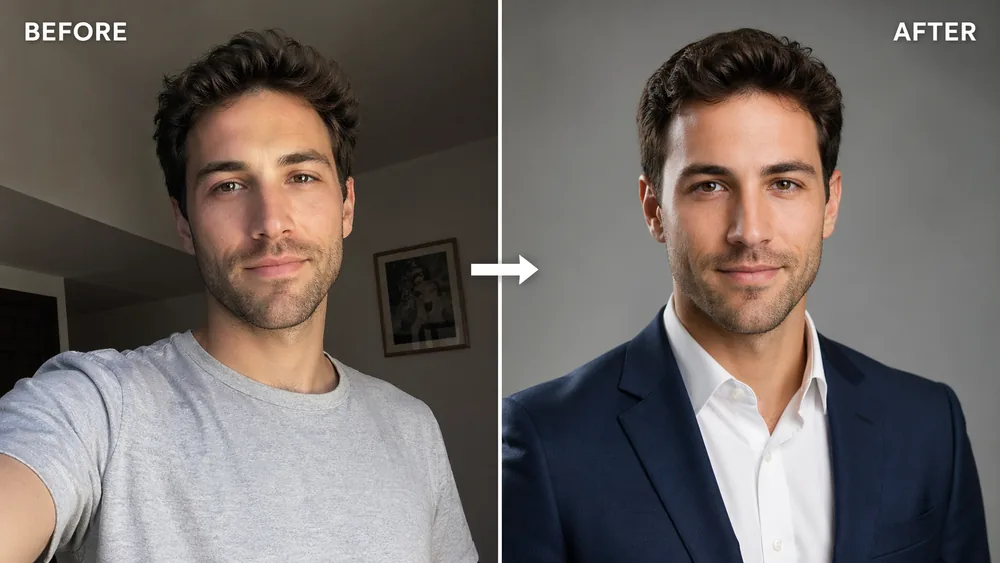
Convert casual selfies into polished profile photos for LinkedIn, resumes, team pages, and creator bios with cleaner lighting, styling, and composition.
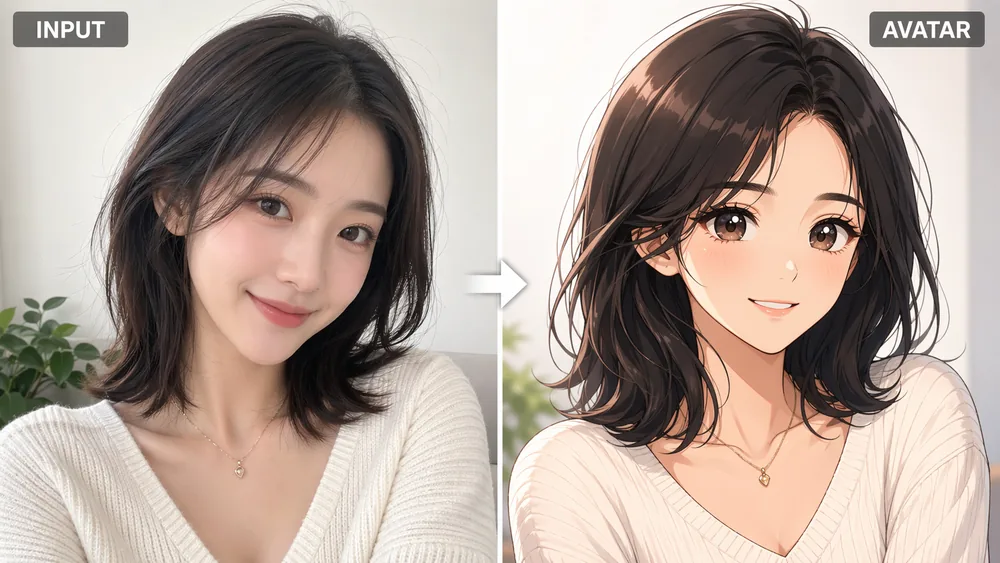
Transform a portrait into an anime-style avatar for social profiles, communities, channels, and creator branding while keeping the subject recognizable.
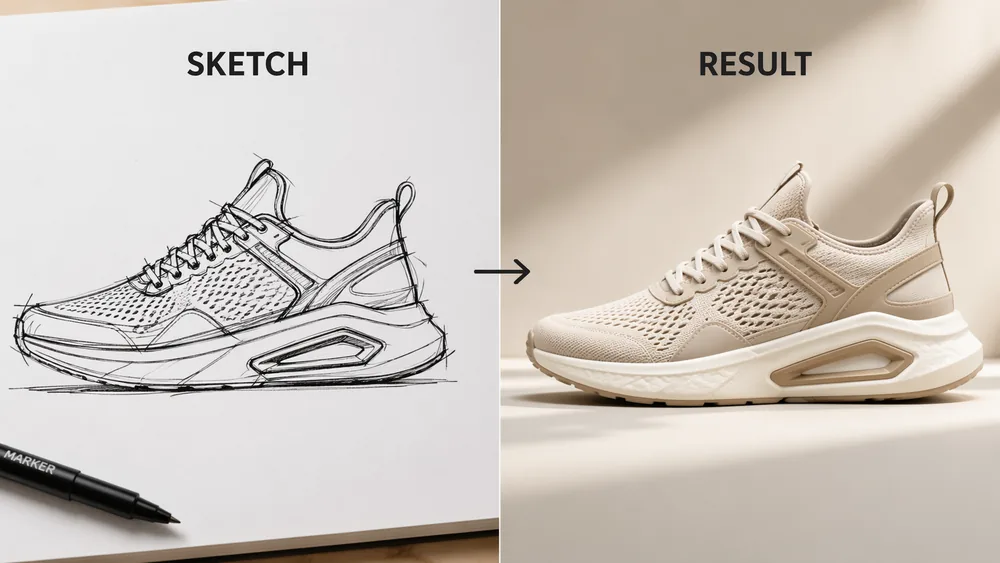
Start with a rough sketch, wireframe, or hand-drawn concept and turn it into a more finished image for products, posters, scenes, and visual ideas.
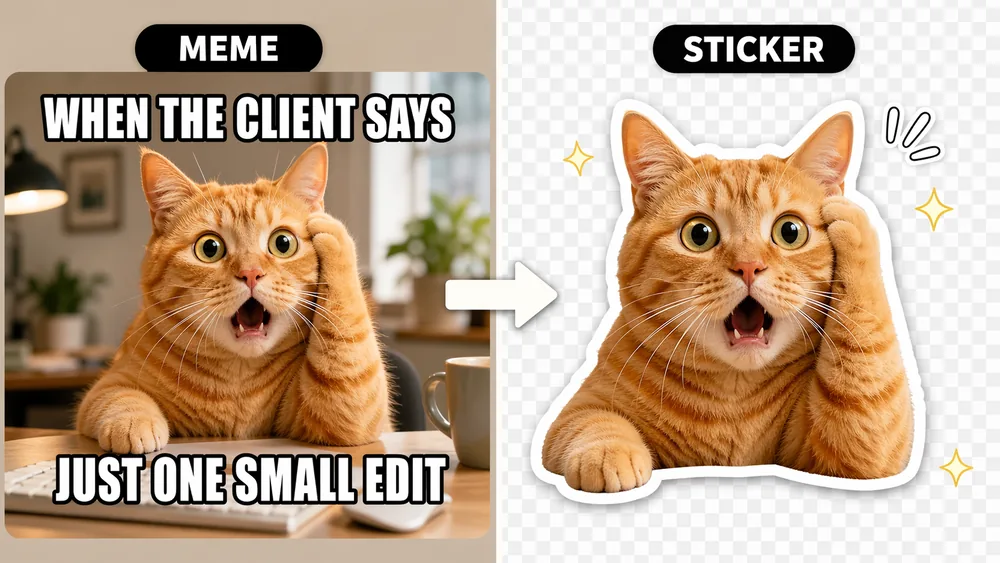
Create transparent sticker cutouts, meme-ready images, reaction graphics, and social content variations with editable text, cutout-style composition, and quick remixing.
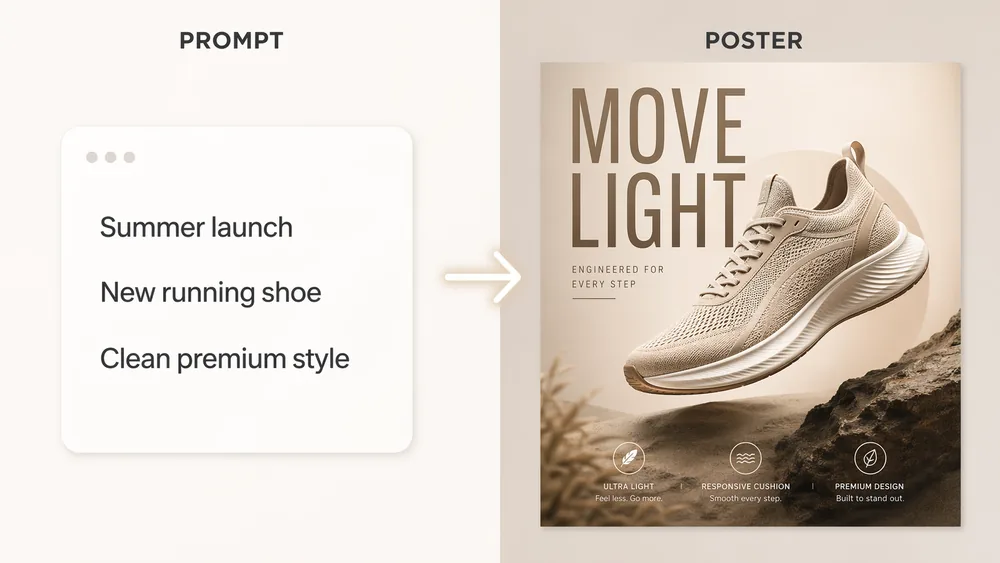
Generate promo posters, product ads, launch graphics, and campaign-ready visual concepts with image, layout, and short-form marketing text working together.
Generate, edit, and enhance GPT Image 2 outputs with a practical workflow that also supports other leading models.
Describe what you want in plain language and use GPT Image 2 to generate high-resolution images in seconds, with support for multiple aspect ratios and settings.
Upload an image and describe what to change with GPT Image 2. Swap objects, restyle scenes, or update a reference while keeping the original composition under control.
Erase unwanted elements, fix problem areas, or expand the canvas beyond the original frame with a smoother editing workflow.
Isolate a subject for e-commerce, product shots, or compositing, then continue editing in the same workspace.
Switch between GPT Image 2, Nano Banana Pro, and FLUX 2 Pro based on the job without leaving the same workspace.
Take a finished image up to 4K resolution for sharper exports and production-ready marketing assets.
Use GPT Image 2 in one workspace for image generation, editing, and enhancement instead of stitching together multiple subscriptions.
Imgen Studio from $9.99 / month | ChatGPT Plus $20 / month | Midjourney $30 / month | DALL-E 3 (API) Pay per image | |
|---|---|---|---|---|
| GPT Image 2 access | ||||
| GPT Image 2 for text-heavy prompts | ||||
| GPT Image 2 photoreal workflow | ||||
| GPT Image 2 in a repeatable workflow | ||||
| Nano Banana Pro & FLUX 2 Pro included | ||||
| Full commercial rights | ||||
| Daily free credits | ||||
| No waitlist, instant access | ||||
| Monthly starting price | $9.99 | $20 | $30 | $0.04+ per image |
Go from an idea to a finished GPT Image 2 workflow in minutes.
Create an Imgen Studio account with Google or email in seconds. You get free daily credits to test GPT Image 2 before committing to a paid plan.
Pick GPT Image 2 from the same panel where you can also access Nano Banana Pro and FLUX 2 Pro. That makes it easy to start with GPT Image 2 and compare when needed.
Describe your image in plain language, choose settings, and generate the first GPT Image 2 result. Then refine it with the built-in editing and enhancement tools.
Refine your GPT Image 2 output with image-to-image editing, background removal, or 4K upscaling. Export in PNG, JPG, or WebP depending on your workflow.
Everything you need to know about using GPT Image 2 inside Imgen Studio responsibly.
GPT Image 2 is an image generation model available inside Imgen Studio for creating and editing visuals. Imgen Studio is an independent AI image platform that brings GPT Image 2 and other supported tools into one workspace.
Yes. You can use GPT Image 2 online through Imgen Studio without handling API setup yourself. Imgen Studio is an independent third-party platform and is not affiliated with or endorsed by OpenAI.
Yes. New users receive free daily credits on signup, which lets you test GPT Image 2 and the editing workflow before upgrading.
GPT Image 2 is a strong starting point when you need text-heavy prompts, general-purpose image generation, and editing in the same workflow. Imgen Studio also lets you switch to other supported models when a task calls for a different style.
Paid plans include commercial use rights for outputs created through the platform, subject to our Terms of Service, Acceptable Use Policy, and any applicable third-party model restrictions.
You can manage or cancel your subscription from the Billing section of your account. Access remains active through the end of the current billing period unless otherwise stated in your plan.
You may not use Imgen Studio or GPT Image 2 workflows for NSFW content, sexual content involving minors, deepfakes, impersonation, harassment, copyright or trademark infringement, fraud, or any unlawful activity. Please review our Acceptable Use Policy for details.
Generation speed depends on output size, queue load, and whether you are editing an existing image. Most standard GPT Image 2 tasks finish in seconds to a few minutes.
Imgen Studio supports PNG, JPG, and WebP exports for GPT Image 2 workflows, with multiple aspect ratios and an upscaling workflow for higher-resolution outputs.
No. GPT Image 2 runs through Imgen Studio in your browser and does not require local setup for normal use.
Yes. You can upload an image and use GPT Image 2 inside the editing workflow to restyle, update, clean up, or enhance it depending on the task.

Free daily credits · Paid plans include commercial use rights · Cancel anytime
Please select a model to get started